How to Set Up and Use Find My on iPhone (Complete Guide)
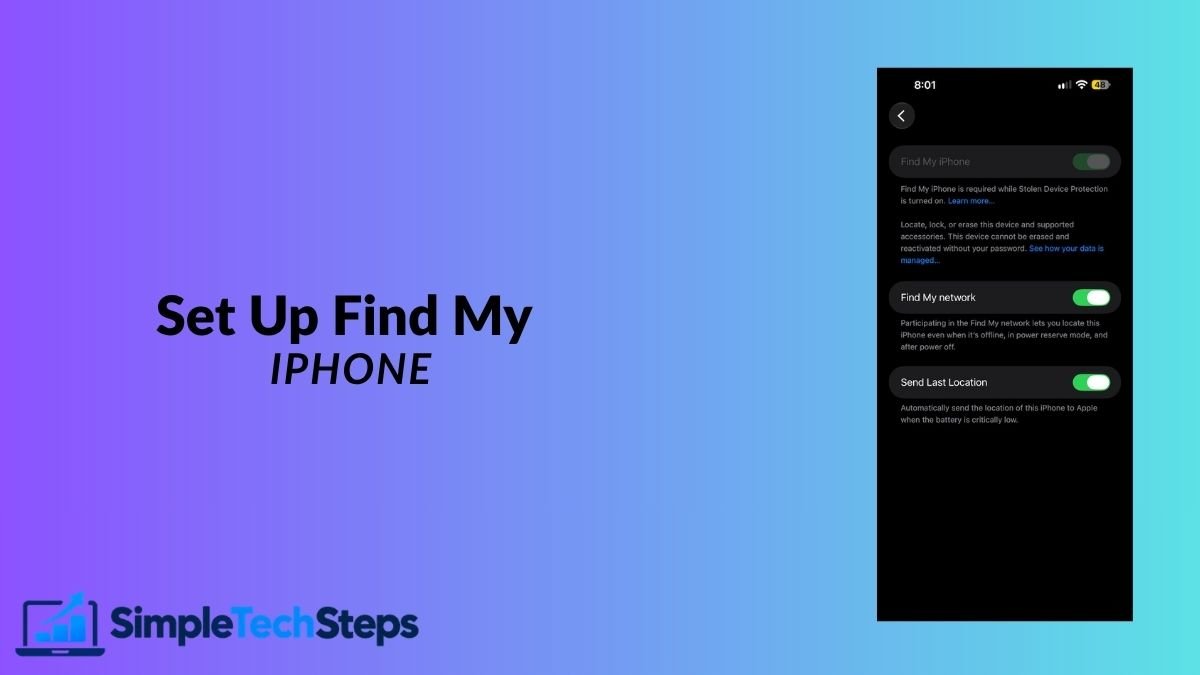
Lost your iPhone, or want to be ready if you do? Here’s how to set up Find My, locate your phone, and protect your data in minutes.

Lost your iPhone, or want to be ready if you do? Here’s how to set up Find My, locate your phone, and protect your data in minutes.
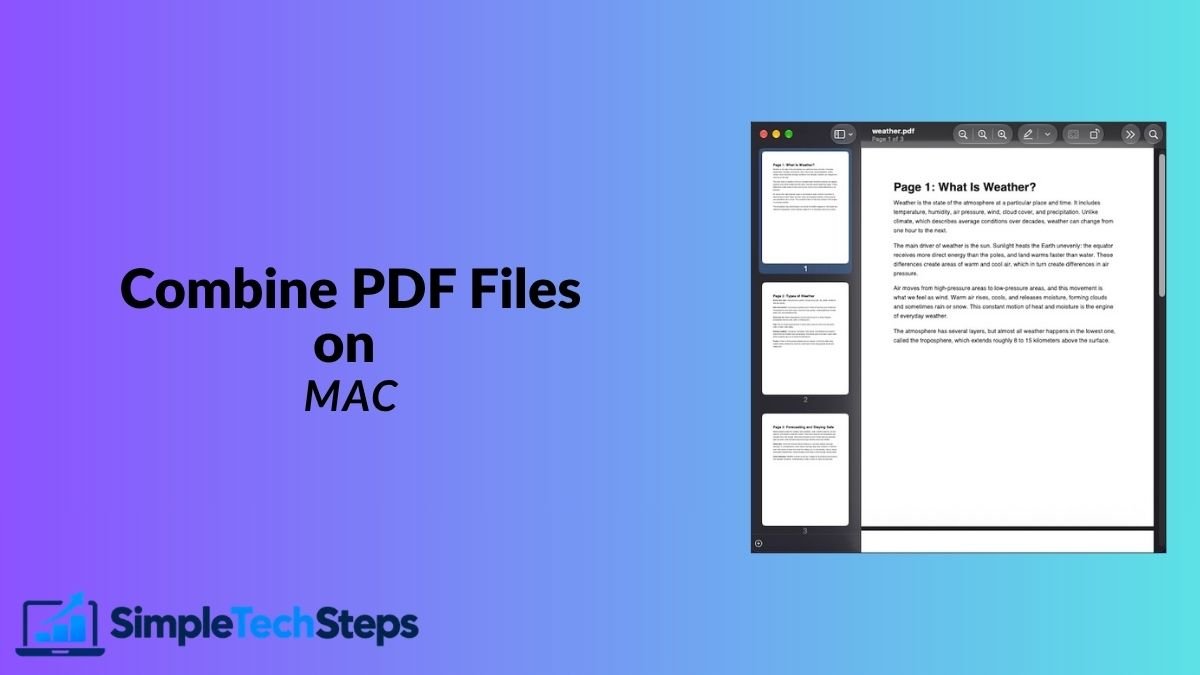
You don’t need paid software or online converters to merge PDFs. Your Mac can combine PDF files in seconds using Preview and Finder.
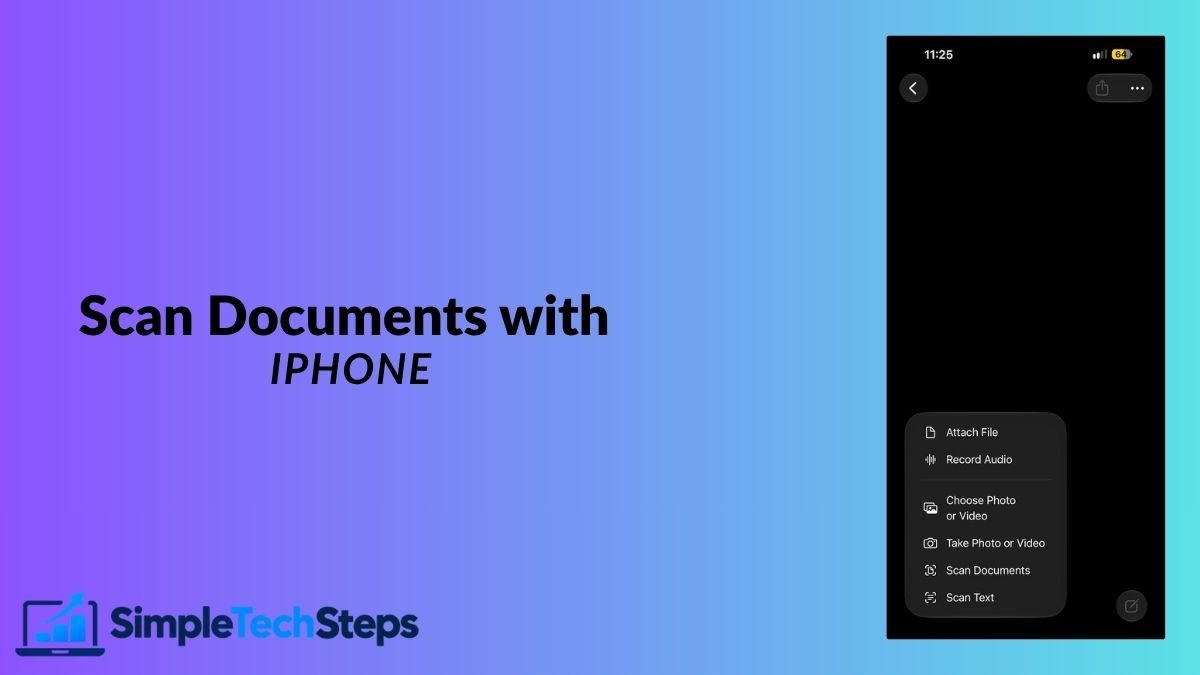
Your iPhone already has a built-in document scanner. Here’s how to use it, save a PDF, sign it, and send it to your Mac.
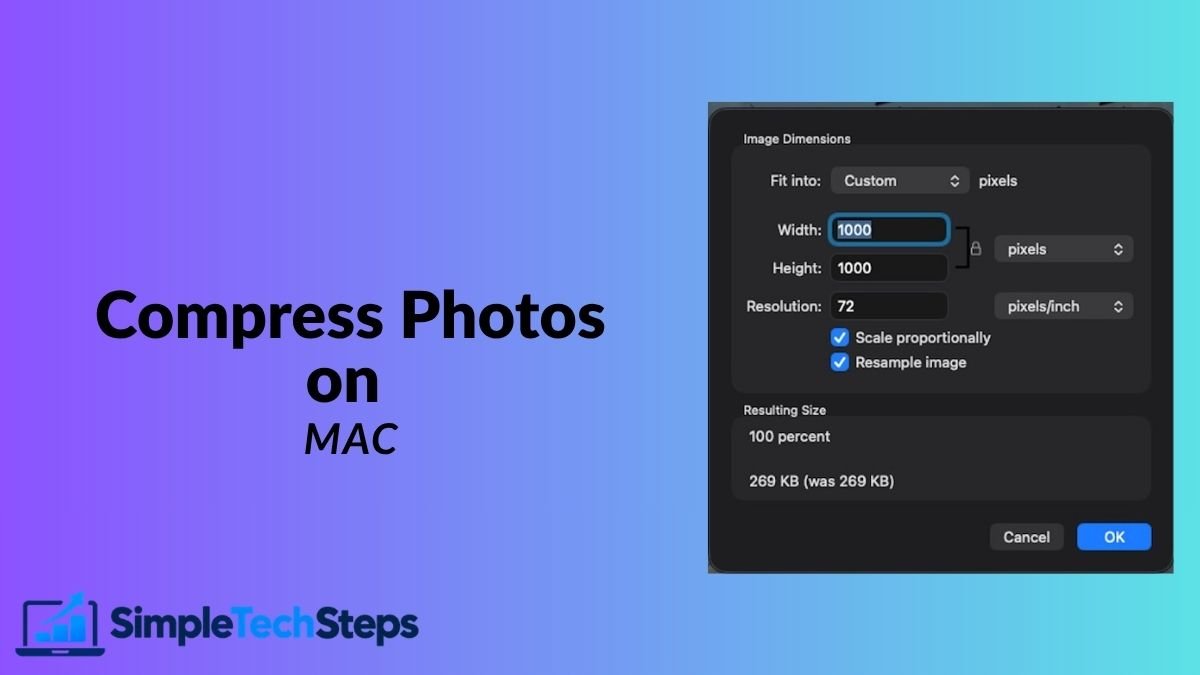
Large photos fill your storage and fail to email or upload. Here are 5 free ways to shrink them on your Mac while keeping them sharp.
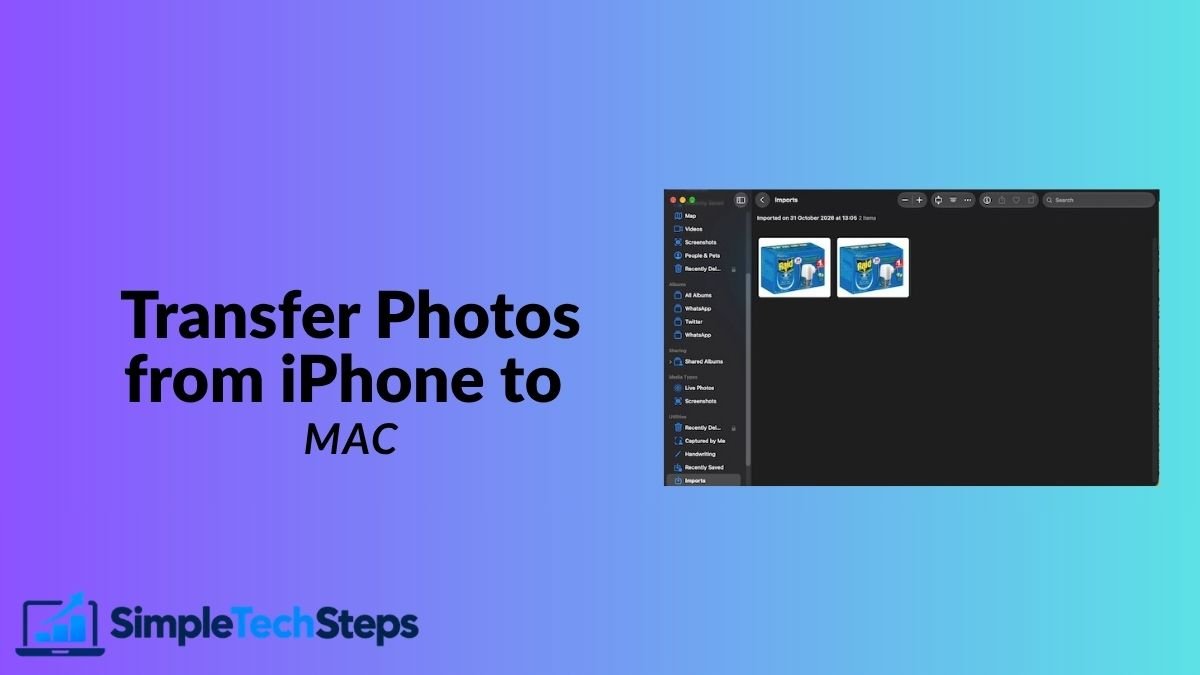
Need your photos on your Mac? Here are five reliable ways to transfer them, and how to keep the original quality.
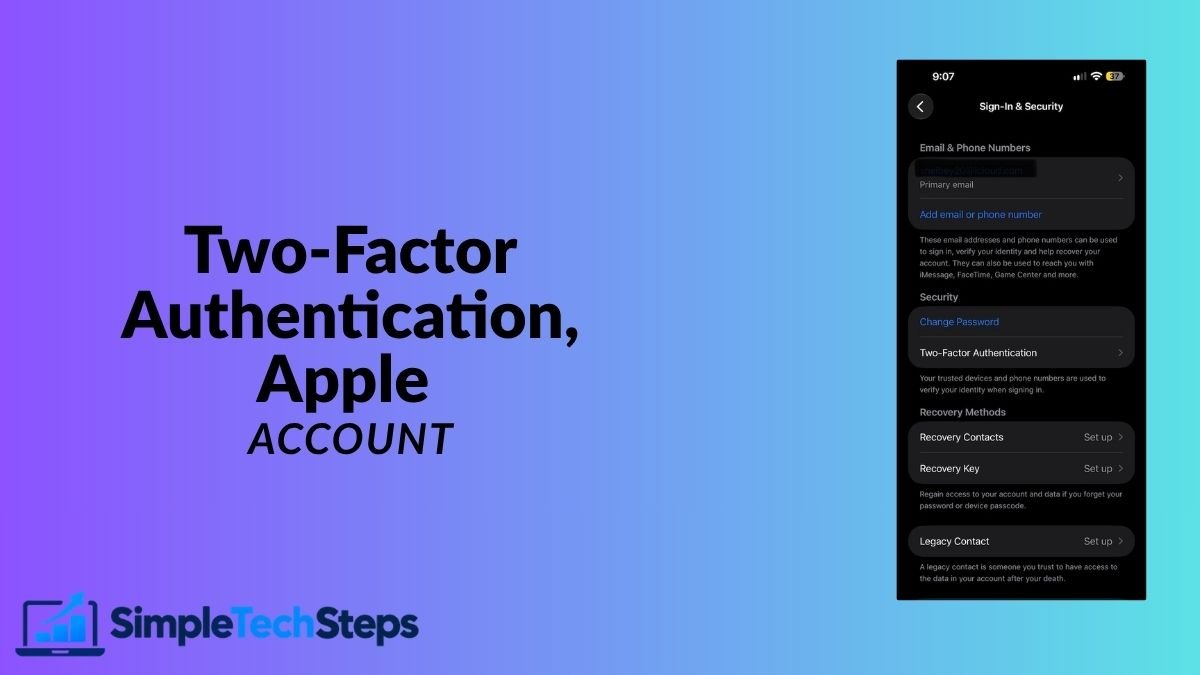
Your Apple Account holds your photos, backups, and payments. Here’s how to check two-factor authentication and set up recovery properly.
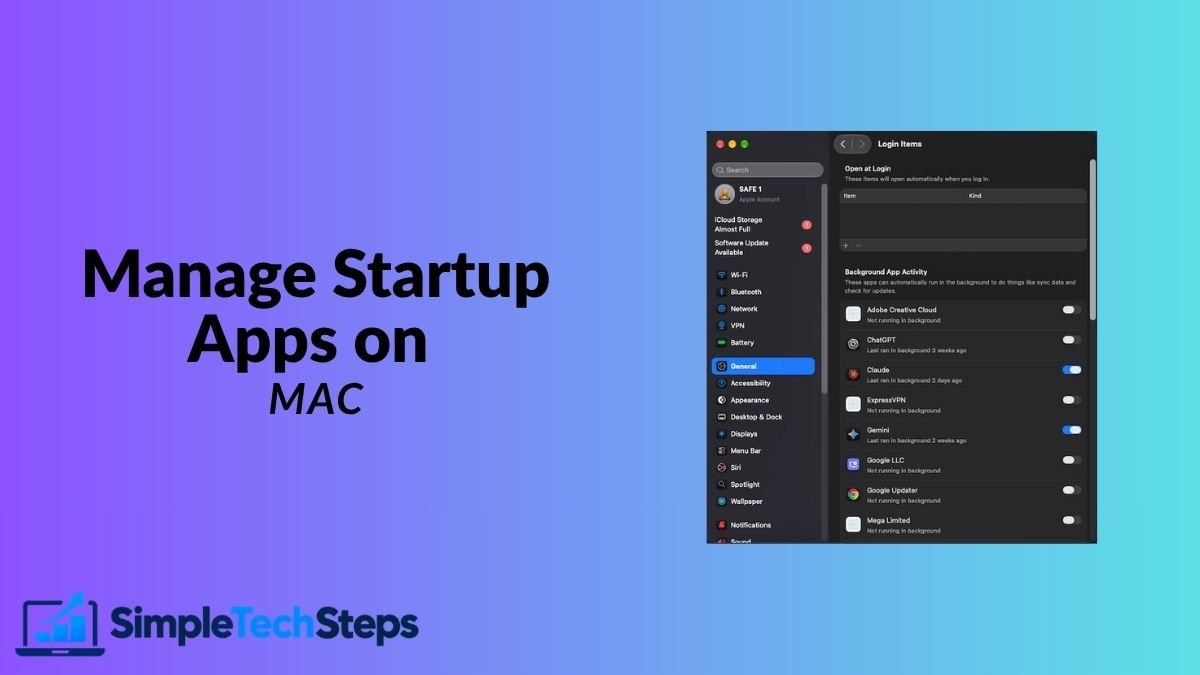
Too many apps opening when your Mac starts? Here’s how to control login items and background apps so your Mac starts faster.

Running a speed test takes one minute. Understanding the results and knowing when to act takes a little more. Here’s both.
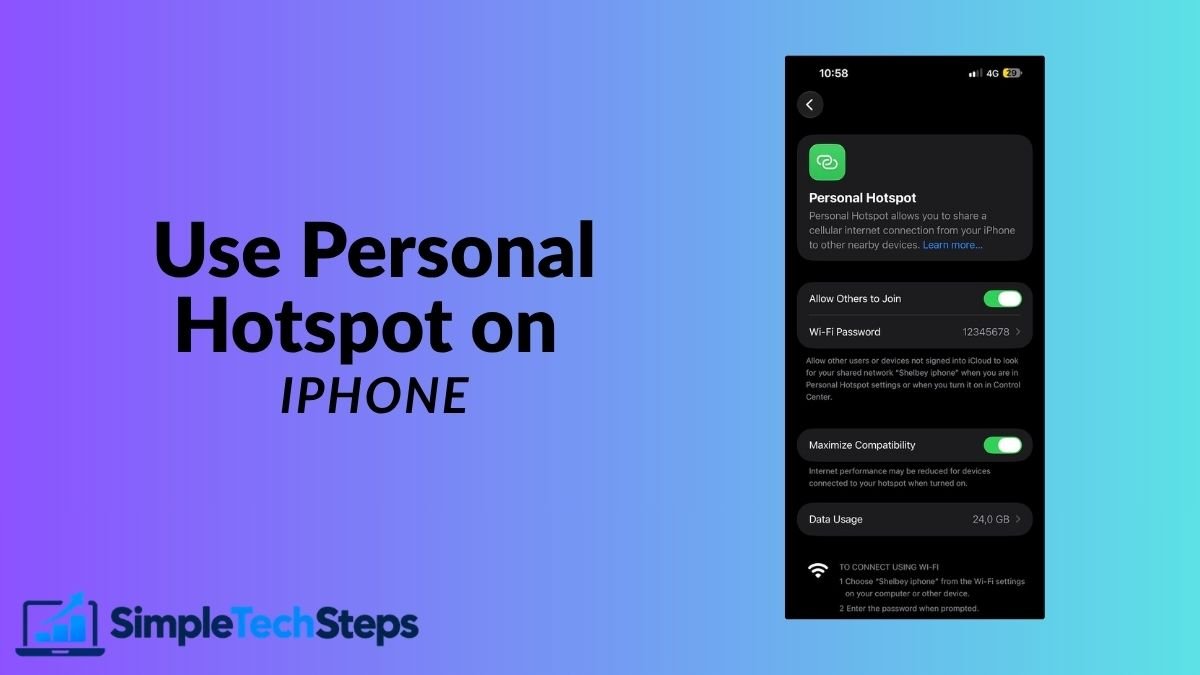
Turn your iPhone into a Wi-Fi hotspot for your Mac and other devices. Here’s how to set it up, connect everything, and fix it when it fails.
Weak Wi-Fi in some rooms? Here are 10 practical tips to improve your signal at home, starting with the most impactful ones.